Royale High Locker Guide: How to Get Items Fast & Easy
Embarking on a shopping spree in Royale High? Here's a comprehensive guide on how to access and get items from lockers, ensuring you never miss out on those must-have outfits and accessories.
Understanding Royale High Lockers
Lockers in Royale High are virtual storage spaces where you can store your favorite items. They're essential for managing your inventory, especially when you've amassed a vast collection. Each player starts with one locker, but you can unlock more as you progress in the game.
How to Access Your Locker
Accessing your locker is straightforward. Here's how:
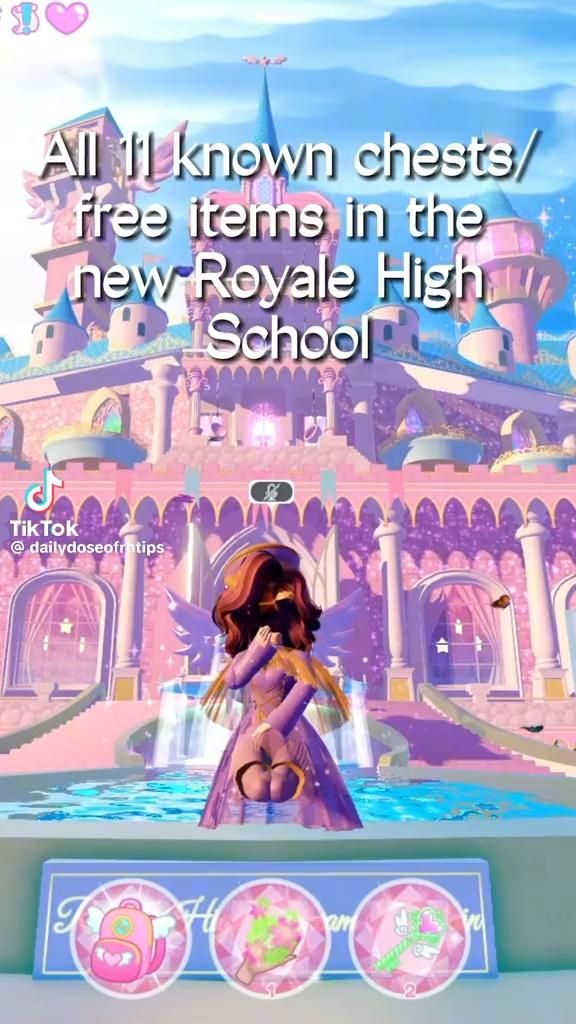


- Open Royale High.
- In the lobby, look for the 'Locker' button on the right side of the screen. It's represented by a small, blue locker icon.
- Click on it to open your locker interface.
Navigating Your Locker
Once you're in your locker, you'll see a grid of slots where your items are stored. Here's how to navigate and manage your locker:
- Sorting and Filtering: Use the 'Sort By' and 'Filter' options at the top to organize your items by type, name, or rarity.
- Searching: The search bar at the top can help you find specific items quickly.
- Moving Items: To move an item, simply drag and drop it into the desired slot.
Unlocking More Lockers
As mentioned earlier, you can unlock more lockers to expand your storage space. Here's how:


- Complete the 'Locker Pass' quests. These are special quests that reward you with locker keys upon completion.
- Purchase locker keys from the 'Shop' using 'Robux' ( Royale High's in-game currency).
Getting Items from Your Locker
Now that you know how to access and navigate your locker, let's discuss how to retrieve items:
- Locate the item you want to retrieve in your locker grid.
- Click on the item to select it.
- Click the 'Wear' button at the bottom of the screen to equip the item. If you want to move the item to your inventory, click 'Move' instead.
Tips for Efficient Locker Management
Here are some tips to help you manage your lockers efficiently:
- Use the 'Favorite' feature to mark important items for quick access.
- Regularly sort and filter your items to keep your locker organized.
- Consider using folders to group similar items together.
- Don't forget to check your locker for free items and rewards from events.
That's it! You're now a locker pro, ready to take on Royale High's fashion scene. Happy shopping!


Related Articles
How to Put Items in Locker Royale High: Ultimate Guide
Mastering Locker Royale: A Comprehensive Guide to Putting Items in Royale High Welcome to Royale High, the enchanting world of fashion, magic, and socializing!...
How to Decorate Your Locker in Royale High: Ultimate Guide to Customization
Elevate Your Royale High Gameplay: Stylish Locker Decor Ideas In the vibrant world of Royale High, your locker is more than just a storage space; it's a canvas...
The Ultimate Guide to Cleaning Locker Royale High: Sparkling Secrets
Mastering Locker Royale: A Comprehensive Guide to Cleaning and Organizing In the world of Royale High, maintaining a clean and organized locker is not just a...

Dark Fairy Locker Royale High: Ultimate Exclusive Skin Guide
Embarking on a journey into the enchanting world of Roblox, one can't help but stumble upon the captivating phenomenon that is Dark Fairy Locker Royale High...
How to Find Your Locker in Royale High 2024: Ultimate Guide
Unlocking Your Locker in Royale High 2024: A Comprehensive Guide Welcome, Royale High players! In this guide, we'll walk you through the process of finding and...
Royal High Locker Decor: Ultimate Guide to Stylish Customization
Unlock Your Style: A Comprehensive Guide to Decorating Your Locker in Royale High In the vibrant world of Royale High, your locker is more than just a storage...