Simple Scratch Game Ideas: Easy, Fun & Ready-to-Play Projects
Simple Scratch Game Ideas for Beginners
Scratch, developed by MIT Media Lab, is a popular block-based programming language that makes coding accessible and fun for kids and beginners. Here, we'll explore some simple Scratch game ideas that are perfect for learning and practicing your coding skills.
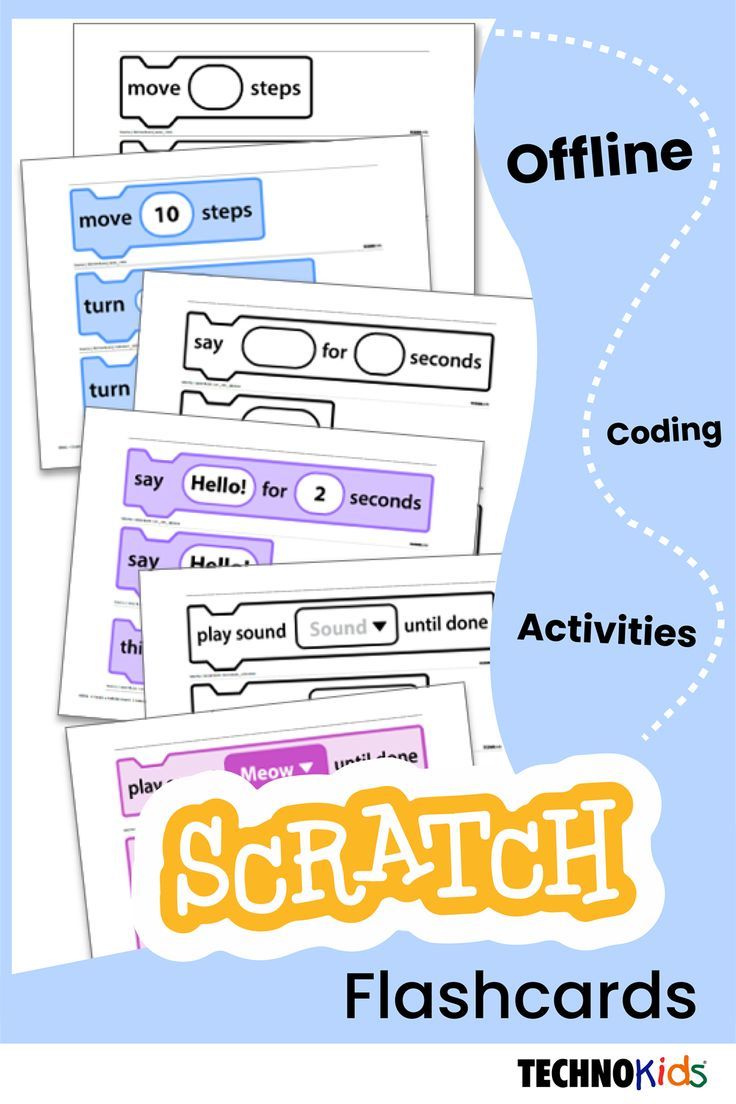
Understanding Scratch Blocks
Before diving into game ideas, it's essential to understand the basic Scratch blocks. These blocks fall into five categories:
- Motion: Move, turn, point in direction
- Looks: Show, hide, switch costume
- Sound: Play drum, play note, rest
- Events: When green flag clicked, when this sprite clicked, when key pressed
- Control: Repeat, forever, if, else
1. Simple Animation
Let's start with a simple animation. Create a character sprite and use the Motion blocks to make it move across the screen. You can add Looks blocks to change the character's appearance or expression.


Here's a simple script to get you started:
when green flag clicked
forever
  move 10 steps
  turn 10 degrees
  wait 0.5 seconds
2. Interactive Character
Create an interactive character that responds to user input. Use the Events blocks to detect when the sprite is clicked or when a specific key is pressed. Then, use the Looks and Sound blocks to make the character react.


3. Basic Race Game
Design a simple race game with two or more sprites. Use the Motion blocks to make the sprites move, and the Events blocks to start the race when the green flag is clicked. Add a condition to stop the game when one of the sprites reaches the finish line.
Here's a simple script for one of the racing sprites:
when green flag clicked
forever
  move 10 steps
  if on edge, bounce
4. Simon Says Game
Create a memory game inspired by Simon Says. Use the Sound blocks to play different notes, and the Events blocks to detect when the user clicks on a sprite. Add a condition to check if the user's input matches the expected sequence.


5. Whack-a-Mole Game
Design a Whack-a-Mole game with a mole sprite that appears randomly on the screen. Use the Motion blocks to move the mole, and the Events blocks to detect when the user clicks on it. Keep track of the user's score and display it on the screen.
Here's a table to summarize the game ideas and the main Scratch blocks used:
| Game Idea | Main Scratch Blocks Used |
|---|---|
| Simple Animation | Motion, Looks |
| Interactive Character | Events, Looks, Sound |
| Basic Race Game | Motion, Events, Control |
| Simon Says Game | Sound, Events, Control |
| Whack-a-Mole Game | Motion, Events, Control |
These simple Scratch game ideas provide a solid foundation for learning and experimenting with Scratch programming. As you become more comfortable with the blocks, you can combine them to create even more complex and engaging games.


Related Articles

Easy Small Pallet Wood Projects For Beginners: 10 Simple DIY Ideas
Easy Small Pallet Wood Projects for Beginners Embarking on your DIY journey? Pallet wood projects are an excellent starting point for beginners, offering a mix...

Simple Pottery Hand Building Ideas: 10 Easy Clay Projects For Beginners
Hand building pottery is one of the most accessible and rewarding creative outlets, requiring nothing more than clay, water, and your own two hands. This...

Simple Outdoor Pallet Ideas: Easy DIY Projects for Your Backyard
Transform Your Outdoor Space with These Simple Pallet Ideas Pallets are versatile, eco-friendly, and incredibly affordable materials that can breathe new life...

Easy DIY Craft Ideas for Adults: Simple Creative Projects
Amid the constant buzz of digital notifications and demanding schedules, carving out time for meaningful personal expression can feel like a luxury. For many...

Very Simple Video Game Ideas: Easy Concepts You Can Build Today
Unleashing Creativity: Very Simple Video Game Ideas In the vast landscape of video game development, complexity often reigns supreme. However, some of the most...

Simple File Decoration Ideas for School Projects Made Easy
Are you working on a school project and looking to add a personal touch to your files? File decoration might seem like a small detail, but it can significantly...