Winning Scratch Game Ideas Tutorial: Create Your Own Lottery & Instant Win Games
Unleash Creativity: Exploring Scratch Game Ideas with Our Comprehensive Tutorial
Welcome to our engaging and informative tutorial on Scratch game ideas! Scratch, a programming platform by MIT, is an excellent tool for beginners to learn coding while having fun. Today, we'll explore a variety of game ideas, their implementations, and how you can make them your own. Let's dive right in!
Understanding Scratch: A Brief Overview
Before we delve into game ideas, let's quickly recap what Scratch is and its key features. Scratch is a block-based visual programming language that makes coding accessible and fun for kids and beginners. It uses a drag-and-drop interface, making it easy to create interactive games, animations, and art.
Scratch consists of a stage (where your game or animation plays), a sprite editor (to create and customize characters and objects), and a block palette (where you'll find all the coding blocks). Now that we're refreshed let's explore some exciting Scratch game ideas!


1. Classic Arcade Games: Pong and Breakout
Why not start with some classic arcade games? Pong and Breakout are simple yet engaging games that are perfect for beginners.
- Pong: Create a simple table tennis game using two paddles and a ball. Use the
when [key pressed]block to move the paddles and theif on edge, bounceblock to make the ball bounce off the screen edges. - Breakout: Make a modern version of this classic game using a paddle, a ball, and several bricks. When the ball hits a brick, it disappears, and the player scores a point.
2. Platformer Games: Super Mario Bros. Style
Platformer games are all about jumping and navigating through levels. Here's how you can create a simple Super Mario Bros.-style game:


- Create a character sprite and use the
when [space key v] pressedblock to make it jump. - Design a level with platforms, obstacles, and a finish line. Use the
if touching [color]?block to detect collisions and make the game react accordingly. - Add enemies and power-ups to make the game more challenging and fun.
3. Endless Runner Games: Temple Run and Subway Surfers
Endless runner games are easy to pick up but hard to master. Here's how you can create your own:
- Create a character sprite and use the
when [key pressed]block to make it jump, slide, or dodge obstacles. - Design a never-ending level with obstacles that increase in difficulty over time. Use the
when I start as a cloneblock to create new obstacles continuously. - Add power-ups and collectibles to keep players engaged and motivated.
4. Multiplayer Games: Scratch's Built-in Features
Did you know Scratch supports multiplayer games? Here's how you can create a simple multiplayer game using Scratch's built-in features:
- Create a game that requires more than one player, like a racing game or a cooperative platformer.
- Use the
when [v] receivedblock to detect messages from other players and make your game react accordingly. - Broadcast messages using the
broadcast [message v]block to communicate with other players.
5. Interactive Stories and Simulations
Scratch isn't just for games – you can also create interactive stories and simulations. Here's how:


- Create a story with characters, scenes, and dialogue. Use the
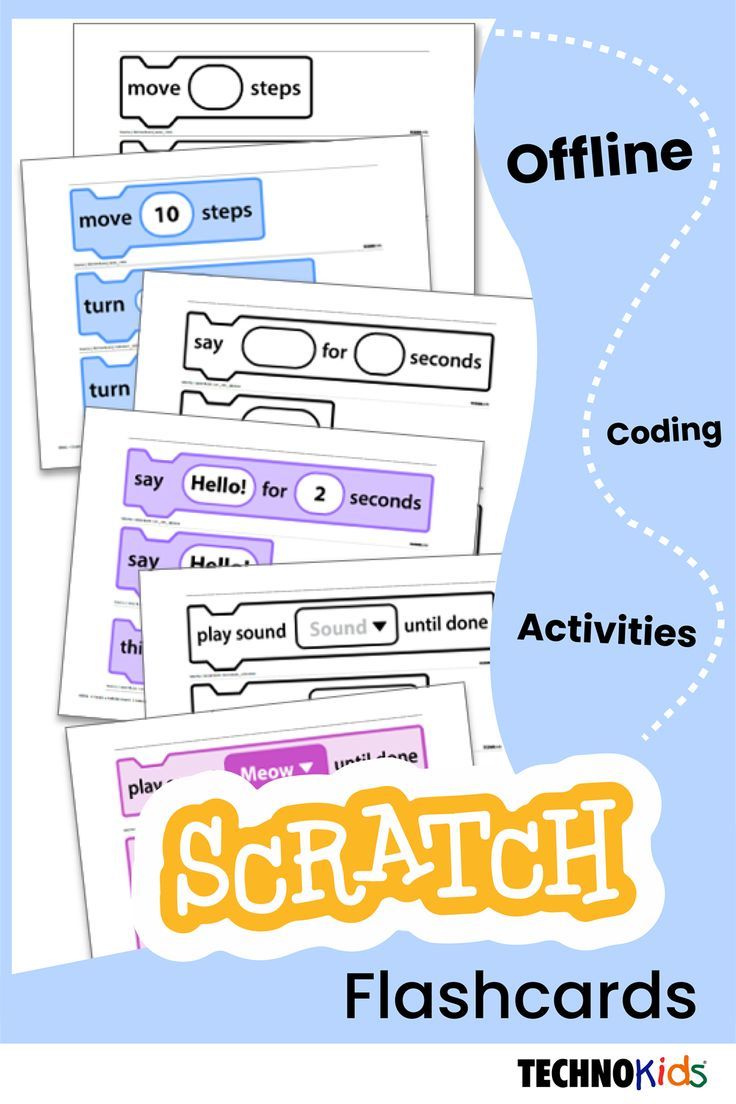
say [text] for [seconds] secblock to display dialogue and theshowandhideblocks to switch between scenes. - Make your story interactive by using the
when [key pressed]block to let players choose their own adventure. - Create simulations to teach and explain complex concepts. For example, you could create a simulation that shows how plants grow or how the solar system works.
6. Advanced Techniques: Custom Blocks and Extensions
Once you're comfortable with Scratch's basic features, you can explore advanced techniques to take your projects to the next level:
- Custom Blocks: Create your own blocks to simplify complex code and make your projects more efficient. Use the
make a blockoption in the blocks menu to get started. - Extensions: Scratch has several extensions that add new features and functionality to your projects. For example, you can use the Pen extension to draw shapes and patterns, or the Video Sensing extension to analyze video clips.
Tips and Tricks for Creating Amazing Scratch Games
Now that you have some game ideas and techniques under your belt, here are some tips and tricks to help you create amazing Scratch games:
- Plan your game before you start coding. Sketch out your game's design, mechanics, and features to help you stay organized and focused.
- Test your game regularly. Playtest your game at every stage of development to catch bugs and make improvements.
- Get inspired by other Scratch projects. Browse the Scratch community to see what other people are creating and get ideas for your own projects.
- Learn from your mistakes. Don't be afraid to experiment and try new things – even if they don't work out, you'll learn something new!
That's all for now! We hope this tutorial has inspired you to create amazing Scratch games. Happy coding, and remember – the possibilities are endless!




Related Articles

Winning PowerPoint Game Show Ideas to Engage Your Audience
Engaging PowerPoint Game Show Ideas for Interactive Presentations PowerPoint game shows are an innovative way to make your presentations more engaging and...

Cherry Garnish for Drinks: 10 Stylish Ideas to Elevate Your Cocktail Game
The unassuming cherry garnish adorns some of the most celebrated cocktails in the world, transforming a simple amber liquid into a visually arresting...

25+ DIY Outdoor BBQ Area Ideas to Create Your Perfect Grill Zone
Transforming your backyard into the ultimate gathering spot is easier than you might think, and a dedicated DIY outdoor BBQ area is the perfect place to start...

15 Stunning Pool Privacy Ideas to Create Your Secret Oasis
Creating a secluded backyard sanctuary begins with thoughtful pool privacy ideas, turning your aquatic oasis into a personal retreat. Whether you are hosting...

Create Your Indoor Zen Water Garden: Peaceful Oasis Ideas
Transform Your Space: The Serenity of Indoor Zen Water Gardens In the pursuit of tranquility and harmony, many of us look to nature for inspiration. An indoor...

Create Your Zen Indoor Garden Oasis: Ideas for Tranquil Urban Living
Creating a zen indoor garden is about more than placing a few plants in a room; it is a deliberate practice in cultivating tranquility. This intentional...