Easy Scratch Game Ideas for Beginners: Start Winning Today!
Unleash Your Creativity: Scratch Game Ideas for Beginners
Embarking on your Scratch coding journey is an exciting adventure! Scratch, a visual programming language developed by MIT, is an excellent platform for beginners to explore coding concepts while having fun. Here, we'll explore engaging Scratch game ideas suitable for beginners, designed to help you learn and create without feeling overwhelmed.
Understanding Scratch Blocks
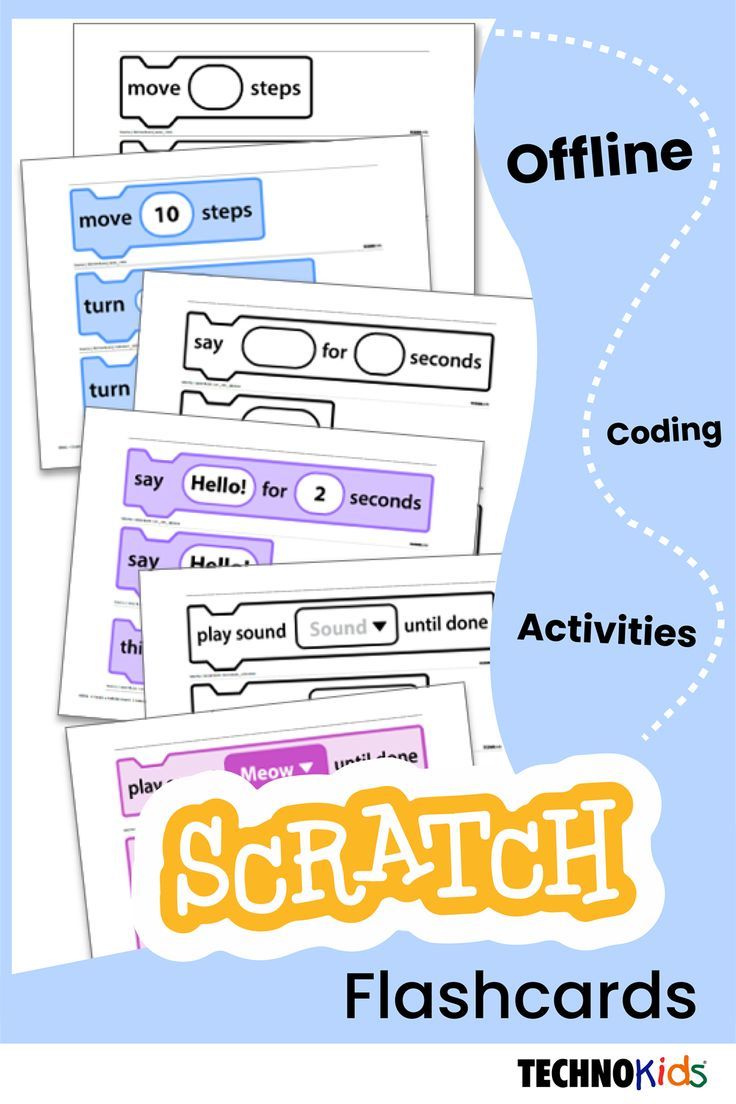
Before diving into game ideas, let's quickly recap Scratch blocks. Scratch uses colorful, drag-and-drop blocks to represent code. There are five categories of blocks:
- Motion: Move your sprite (character) around the stage.
- Looks: Change your sprite's appearance and add visual effects.
- Sound: Play sounds and manage volume.
- Events: Trigger actions based on events like clicks, key presses, or timer ticks.
- Control: Repeat, stop, or switch between different sections of code.
Simple Game Ideas for New Scratchers
1. Whack-a-Mole
This classic game is perfect for beginners as it only requires a few blocks. Create mole sprites that pop up randomly, and have the player click on them to make them disappear. Use the "when green flag clicked" event to start the game and "wait" blocks to control the mole's appearance time.


2. Simon Says
In this memory game, the computer selects a sequence of colors, and the player must repeat it. Use the "when green flag clicked" event to start the game, and "repeat" blocks to generate the color sequence. Add "ask" and "if" blocks to check if the player's input matches the expected color.
Intermediate Scratch Game Ideas
3. Pong
Create a simple version of the classic arcade game Pong. You'll need to use blocks from the Motion category to move the paddles and ball, and Events blocks to detect collisions. To make it more challenging, add power-ups or obstacles as you progress.


4. Platformer
Build a simple side-scrolling platformer with a character that can jump and move left or right. Use the Motion blocks to control the character's movement and the Looks blocks to change the character's appearance when jumping or landing. Add platforms and obstacles to navigate through.
Advanced Scratch Game Ideas
5. Endless Runner
Create an endless runner game where the character automatically moves forward, and the player must avoid obstacles. Use the Motion blocks to control the character's movement and the Events blocks to detect collisions with obstacles. Add power-ups and different environments to keep the game engaging.
6. Multiplayer Game
Design a multiplayer game using Scratch's broadcast messages feature. Players can join the same project and interact with each other in real-time. Create a simple racing game where players control their characters using different keys on their keyboards and compete to reach the finish line first.


Tips for Creating Successful Scratch Games
As you explore these game ideas, keep the following tips in mind:
- Start small and gradually add complexity as your skills improve.
- Test your game regularly to ensure it works as expected and make adjustments as needed.
- Use the Scratch community as a resource for inspiration, help, and feedback.
- Most importantly, have fun and be creative! There's no right or wrong way to express yourself through coding.
With these game ideas and tips, you're well on your way to becoming a Scratch master. Happy coding, and we can't wait to see the amazing games you create!


Related Articles

What to Paint for Beginners Easy: Simple Art Ideas to Start Today
Embarking on Your Painting Journey: Easy Projects for Beginners Welcome, aspiring artists! You've picked up a paintbrush and decided to explore the world of...

101 Easy Journaling Ideas for Beginners: Start Writing Today
Starting a journaling practice can feel intimidating, especially when you stare at a blank page wondering what to write. The truth is, there are no rigid...

Simple Video Game Ideas for Beginners: Easy Projects to Start
Simple Video Game Ideas for Beginners: A Jumpstart into Game Development Embarking on a journey into video game development can be an exciting and rewarding...

Beginner Pottery Ideas: 10 Easy Clay Projects To Start Today
Getting started with pottery for beginners ideas can feel overwhelming, but the journey from a shapeless lump of clay to a finished vessel is incredibly...

Very Simple Video Game Ideas: Easy Concepts You Can Build Today
Unleashing Creativity: Very Simple Video Game Ideas In the vast landscape of video game development, complexity often reigns supreme. However, some of the most...

Easy Crochet Scarf for Beginners: 10 Simple Patterns to Start Crocheting Today
Starting a new hobby can be exciting, and few things are as immediately rewarding as learning to create with yarn. For the complete beginner, the goal is to...