101+ Creative Photo Effects: Stunning Transformations You Can Make
Unleashing Your Creativity: Exploring Dynamic Photo Effects
In the realm of digital photography, capturing the perfect shot is just the beginning. The real magic often unfolds in post-processing, where creative photo effects can transform ordinary images into extraordinary works of art. This guide delves into the world of photo effects, exploring various techniques, tools, and inspirations to help you unlock your creative potential.
Understanding Photo Effects: A Brief Overview
Photo effects are digital modifications applied to images to achieve a specific mood, style, or aesthetic. They range from subtle enhancements to dramatic transformations, encompassing a broad spectrum of creative possibilities. Effects can be categorized into several types, including color adjustments, distortions, textures, and artistic filters, each offering unique ways to express your creative vision.
Mastering Color Adjustments: The Power of Hue, Saturation, and Brightness
Color adjustments are among the most fundamental and powerful photo effects. By manipulating hue (color), saturation (intensity), and brightness (lightness), you can dramatically alter the mood and atmosphere of your images. For instance, increasing saturation can create vibrant, eye-catching colors, while decreasing it can produce a more subdued, moody effect. Experimenting with these adjustments allows you to evoke a wide range of emotions and convey your unique artistic voice.

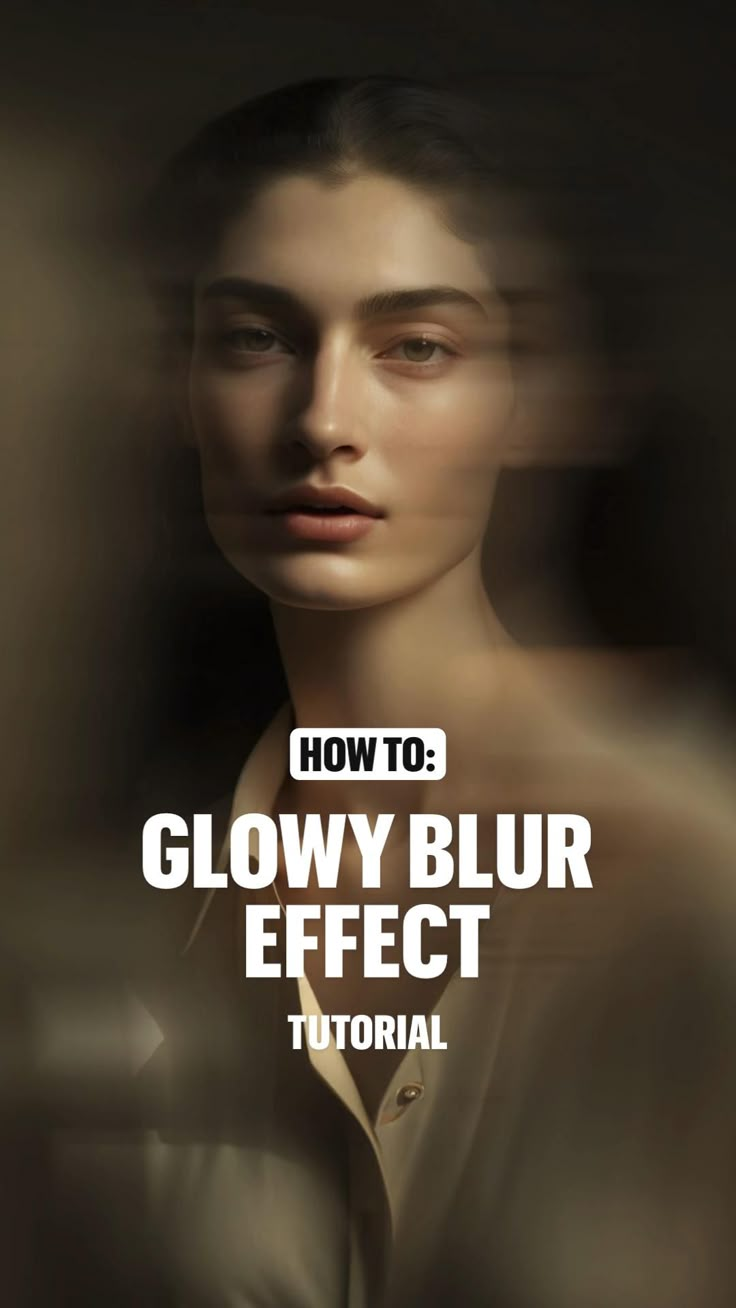

- Warmth and Coolness: Adjusting the temperature can make your images feel more inviting and cozy (warm) or crisp and refreshing (cool).
- Contrast and Vibrance: Enhancing contrast can create a more dynamic image, while increasing vibrance can make colors pop without affecting saturation.
Distortions: Bending Reality for Creative Impact
Distortion effects allow you to bend, twist, and warp your images, creating surreal and captivating results. Techniques such as fish-eye, lens flare, and chromatic aberration can add a unique touch to your photographs, drawing the viewer's eye and evoking a sense of curiosity or wonder. Experiment with these effects sparingly, as overuse can detract from the overall composition.
Lens Flare and Vignette: Drawing Attention to the Subject
Lens flare and vignette effects can help guide the viewer's eye towards the main subject of your image. By adding a subtle glow or darkening the edges, you can create a sense of depth and focus, drawing attention to the most important elements of your composition.


Textures and Overlays: Adding Depth and Dimension
Applying textures and overlays can add depth, richness, and visual interest to your images. From grungy, weathered effects to elegant, ethereal textures, the possibilities are endless. Experiment with different materials, patterns, and opacities to create a unique, cohesive style that reflects your artistic vision.
Blend Modes: Harnessing the Power of Layers
Blend modes determine how two layers interact with each other, allowing you to create intricate, multi-layered effects. By combining blend modes with textures, overlays, and other elements, you can produce stunning, one-of-a-kind results that showcase your creativity and skill.
| Blend Mode | Description |
|---|---|
| Normal | Displays the layer normally, with no blending. |
| Multiply | Darkens the layer below by multiplying its colors. |
| Screen | Lightens the layer below by subtracting its colors. |
| Overlay | Multiplies or screens the layer below, depending on the base color. |
Artistic Filters: Emulating Classic Styles and Mediums
Artistic filters mimic the look and feel of traditional mediums, such as watercolor, oil painting, or charcoal drawing. By applying these effects, you can create striking, handcrafted images that evoke a sense of nostalgia and timelessness. Experiment with different brush sizes, textures, and colors to achieve a unique, personalized style.


Inspiration and Experimentation: Fueling Your Creative Journey
As you explore the world of photo effects, don't be afraid to experiment and push the boundaries of your creativity. Seek inspiration from fellow artists, online tutorials, and the world around you. By continuously learning, growing, and refining your skills, you'll develop a unique artistic voice that sets your work apart from the crowd.
Remember, there are no rules when it comes to creativity. Embrace the process, have fun, and above all, stay true to your unique vision. With practice, patience, and a willingness to learn, you'll unlock the power of creative photo effects and transform your images into captivating works of art.


Related Articles

Creative Shoot Ideas Graduation: Stunning Photo Concepts for Your Big Day
Graduation marks a significant transition, a culmination of years of dedication and a launch into the future. For photographers and clients alike, this moment...

Easy DIY Backdrops: Stunning Photo Walls You Can Make Yourself
Creating the perfect backdrop for a photoshoot, a child’s birthday party, or a social media campaign no longer requires hiring a professional crew or investing...

Create Stunning Photo Collage Poster Board: Easy DIY Guide
Creating a photo collage poster board is a fun and creative way to display your favorite memories or showcase your photography skills. Whether you're making it...

Creative Balloon Ideas: 25+ Stunning Designs for Your Next Event
Unleashing Imagination: Creative Balloon Ideas for Every Occasion Balloon decor is a versatile and fun way to transform any space, adding a touch of whimsy and...

101+ Fundraising Ideas for Projects: Creative Campaigns That Convert
Turning a vision into reality often begins with solving the most practical challenge: securing the necessary funds. Whether you are launching a community...

Stunning Creative Costume Ideas for Woman to Turn Heads
Unleash Your Inner Superhero: Creative Costume Ideas for Women Embrace the power of transformation and express your unique style with creative costume ideas...